Tab recording
Show a website, service or presentation. Add your voice, tab audio and webcam.
 KadrAdd to Chrome
No language found
Record a tab, zoom in on what matters and add captions.
Videos for work, learning and presentations.
For Chrome on desktop · Recordings stay on your device
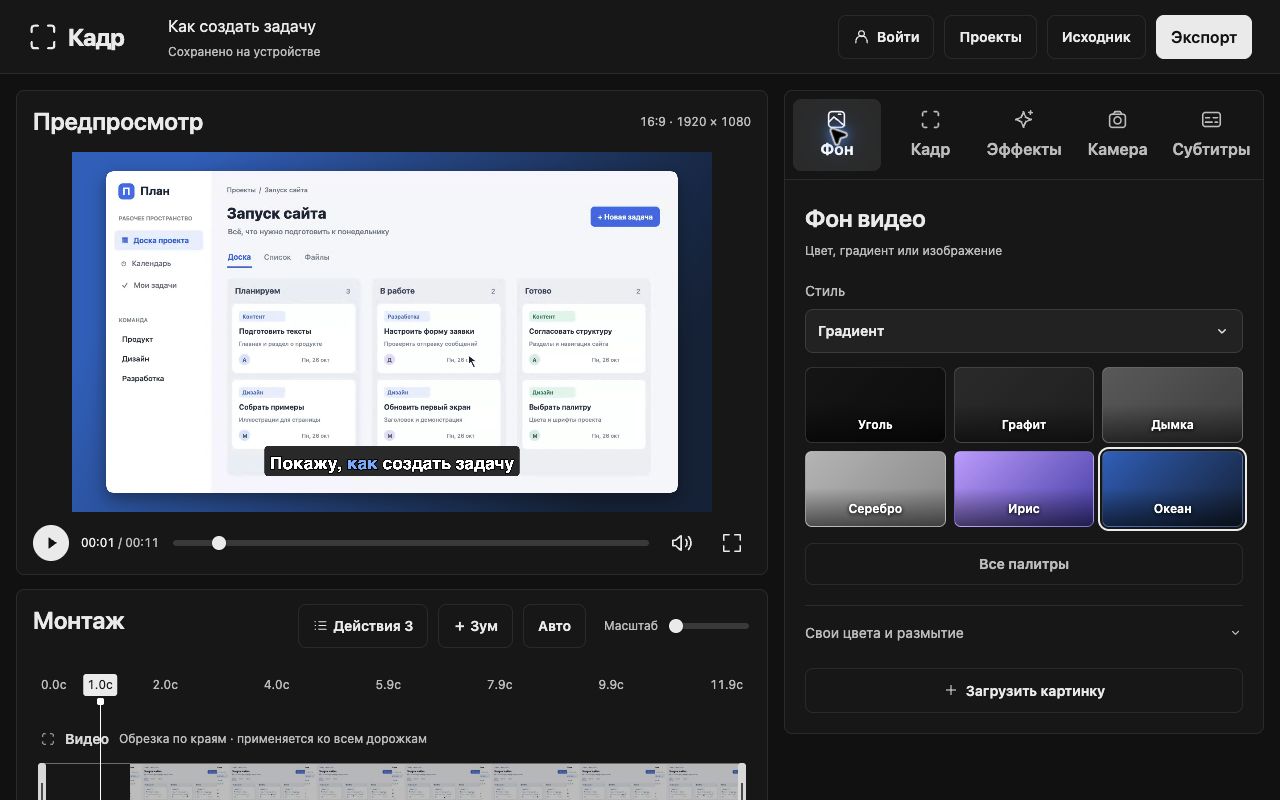
Kadr helps viewers follow your actions while you get straight to the point.
Show a website, service or presentation. Add your voice, tab audio and webcam.
Important clicks get a closer look. Adjust, move or add zooms manually.
Trim the start and end, correct the text and style your video. All in the editor on your computer.
Choose your microphone and camera. Press record and show what you want to explain.
Review auto zoom, trim extra footage and add captions. Choose a background and camera position.
Export MP4, WebM or GIF. Attach the file to a message, task or presentation.
When showing your screen is easier than explaining in words.
Show where to find a report, how to fill out a form or set up a service. Colleagues can revisit the recording.
Walk viewers through the main workflow. Zoom in on details and show the result.
Explain with your voice, camera and captions. Turn a complex process into clear steps.
Record the steps leading to a bug or show what needs to change. Add precise context to your task with video.
The content is there. Trim the extra footage and bring the important parts into focus.
Choose a background, adjust padding and crop edges. Control zooms and action highlights on the timeline.
Create captions from speech, edit the text and change the style. Recognition runs on your device.
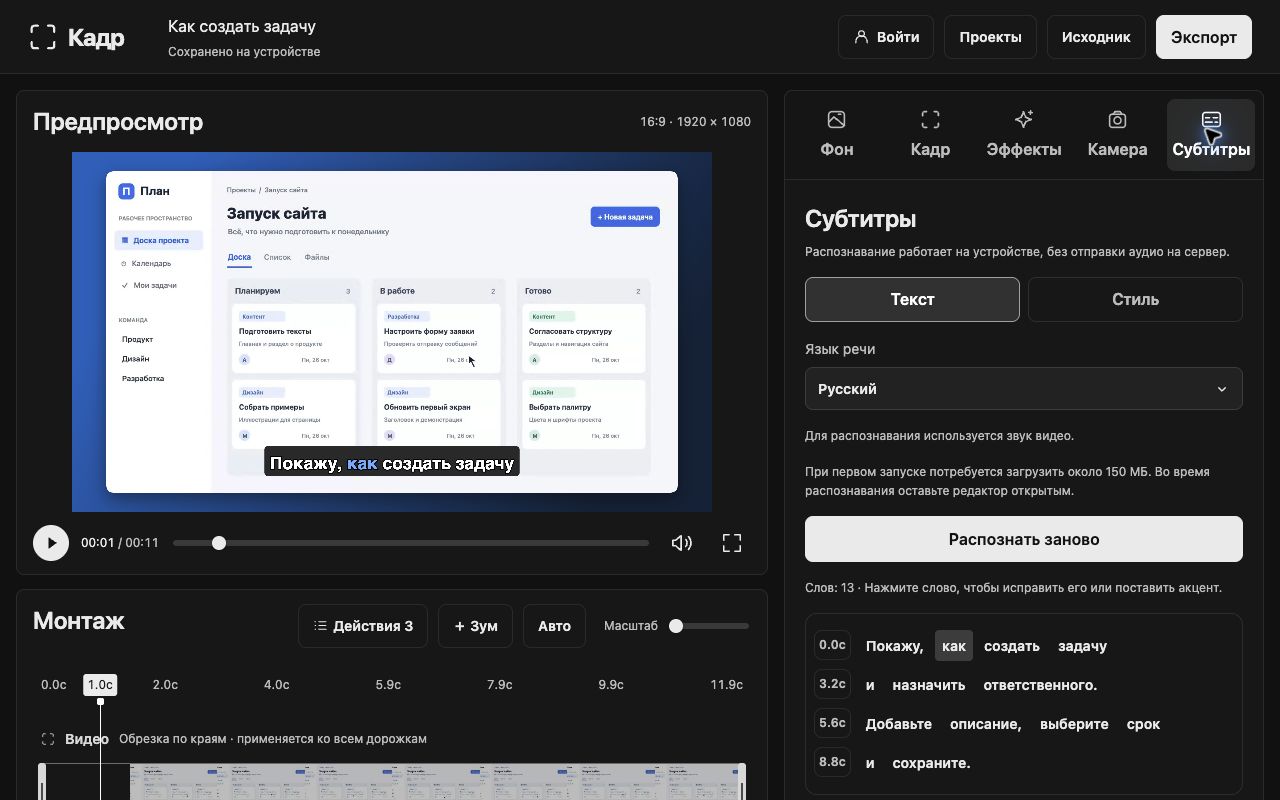
MP4 for videos in messages and presentations, WebM for the web, and GIF for short demos without sound.
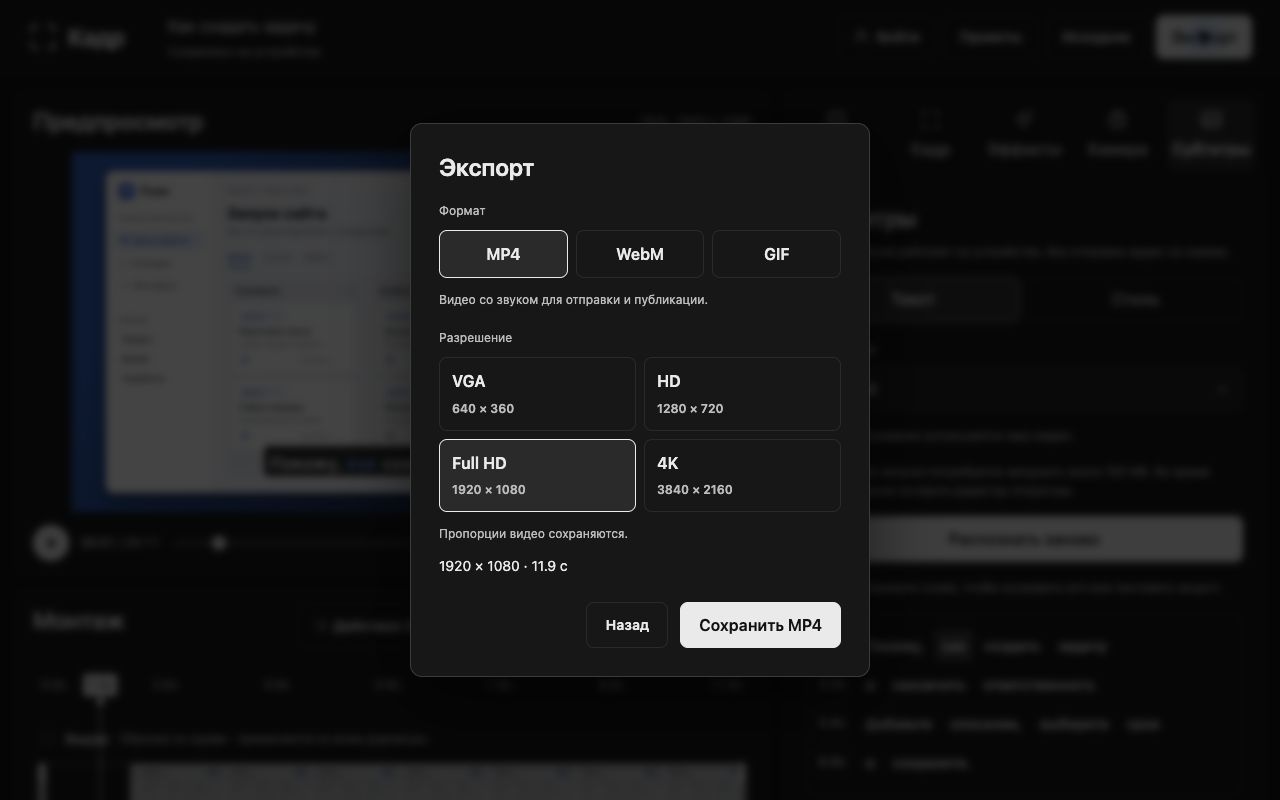
Create a video where every action is easy to follow.
| In the video | Regular recording | With Kadr |
|---|---|---|
| Important details | Original scale | Smooth zooms |
| Pauses and extra footage | As recorded | Trimmed in the editor |
| Speech | Audio only | Audio and captions |
| Styling | Original tab appearance | Your background and composition |
Record your first tutorial, demo or team video.
Recording, editing, captions and export are free in the current version. No bank card required.
0 ₽
The selected Chrome tab. You can add tab audio, your microphone and webcam. Other windows and your entire desktop are not included in this recording mode. Internal browser pages and the Chrome Web Store restrict extensions.
Kadr is designed for desktop Google Chrome version 116 or later. Chrome extensions cannot be installed on phones. Export format availability depends on codec support in your browser and device.
In the extension's local storage on your device. Video, audio, projects and captions are not uploaded to Kadr's server. Export important recordings to files: uninstalling the extension or clearing its data may delete projects.
You do not need to sign in to record, edit or export. You can sign in with a code sent by email. Signing in does not transfer local projects to other devices.
A speech recognition model downloads on first use. After downloading, audio is processed locally. Edit the results, timing, colors and background in the editor.
Yes. Adjust the timing, duration and zoom area, delete unwanted zooms or add them manually on the timeline.
MP4, WebM and GIF. Videos support VGA, HD, Full HD and 4K while preserving aspect ratio. GIF has no audio. Increasing resolution does not add detail to the original recording.
Email kadr@asinex.tech. Include your Chrome version and describe where the problem occurred. Do not send passwords or sign-in codes.
Open a tab. Show what matters. Share the result.
Add Kadr to Chrome